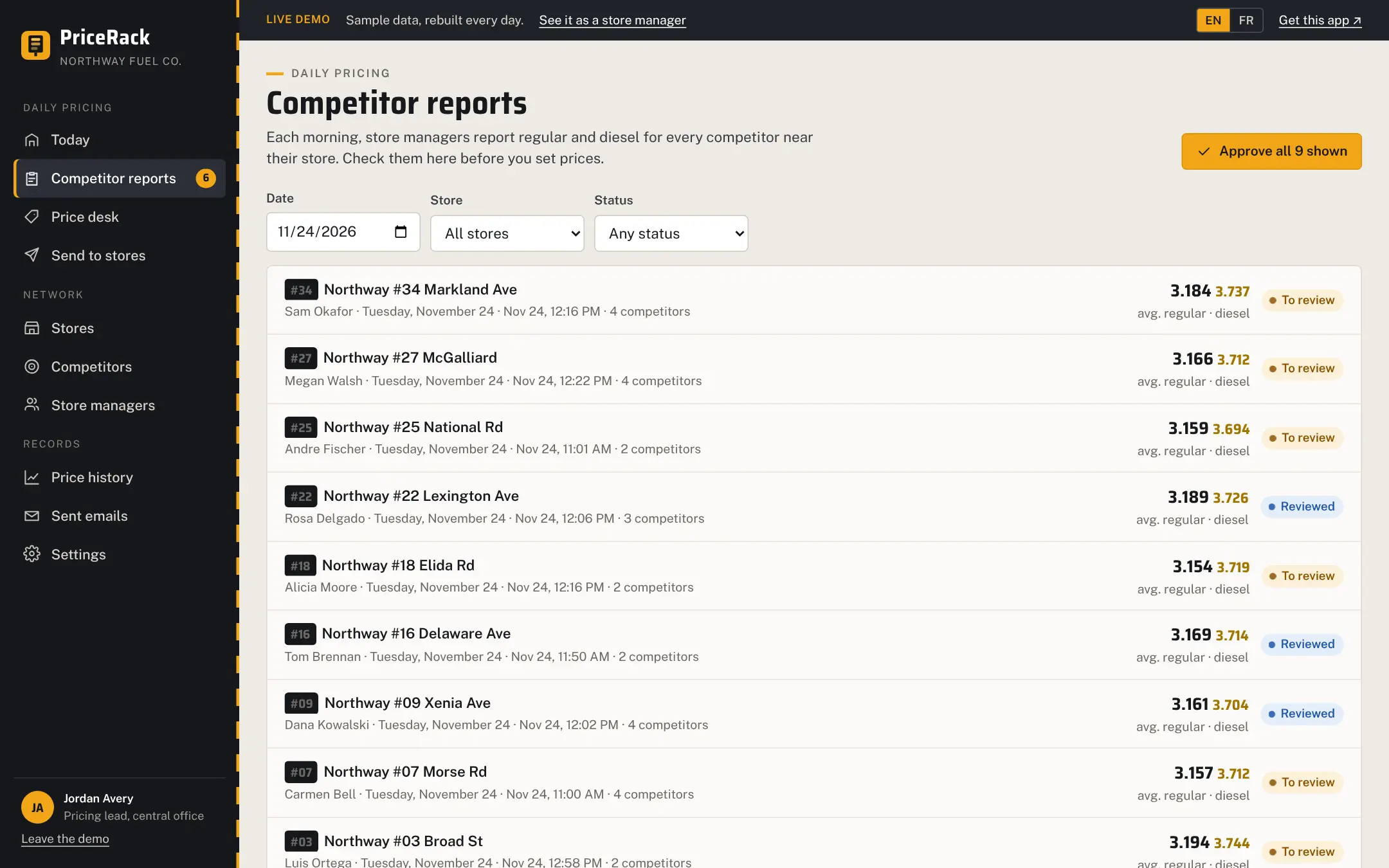
One report per store per day
Each store has its own list of competitors. The manager enters regular and diesel for each one, adds a note if something stands out, and sends. A report needs every competitor on the list; a half report cannot be sent.
Sending again the same day replaces the earlier report, so a manager can correct a price after a competitor moves.
Review, approve, send back
The office sees every report of the day with its average regular and diesel, the time it came in and how many competitors it covers. Open one to see each competitor's prices, the lowest one and the manager's note.
Each report moves from To review to Reviewed or Approved. A report can go back to review, or be deleted so the manager sends a new one. Approve every report shown in one click when the morning is calm.
Filters that match the morning
- Date, to look at another day.
- Store, to follow one station.
- Status, to see only what still needs checking.